The old way — GSM
- SIM cards, airtime top-ups and roaming headaches
- Recurring monthly costs to stay connected
- Slower delivery and patchy cellular coverage
- Extra hardware to source and manage
New — Successor to the GSM module
Instant alarm & tamper alerts for Roboguard HQ — delivered straight to Telegram. No SIM. No subscription. Just WiFi.
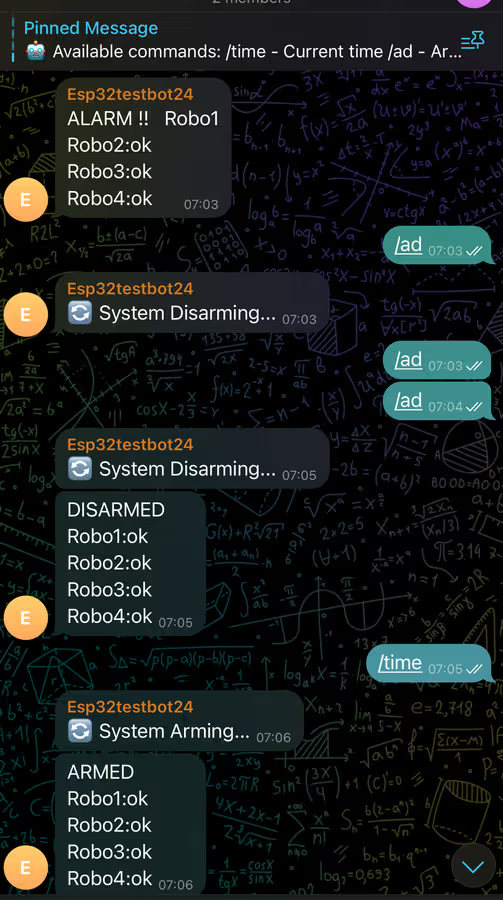
Built to replace the GSM module — no SIM, no subscription, no compromise.
001 / The shift
The old way — GSM
The new way — Robotext WiFi
002 / Why it wins
Every decision in Robotext WiFi removes friction between a triggered alarm and the person who needs to know.
Alarm and tamper notifications land on your phone the moment they happen — no app to install.
No SIM, no airtime, no recurring fees. It rides your existing WiFi and Telegram — both free.
Retains alarm state through outages, so your protection status is intact the moment power returns.
Anywhere there's WiFi, you're covered. Deployed across 195+ countries with no regional lock-in.
003 / Specifications
One compact PCB that plugs into your Roboguard HQ and drives everything that matters.
Trigger the siren directly from the module for immediate audible response.
At-a-glance system state, wired straight through Robotext WiFi.
Full remote control of your Roboguard HQ arm state from anywhere.
Fire radio-linked devices as part of your alarm response chain.
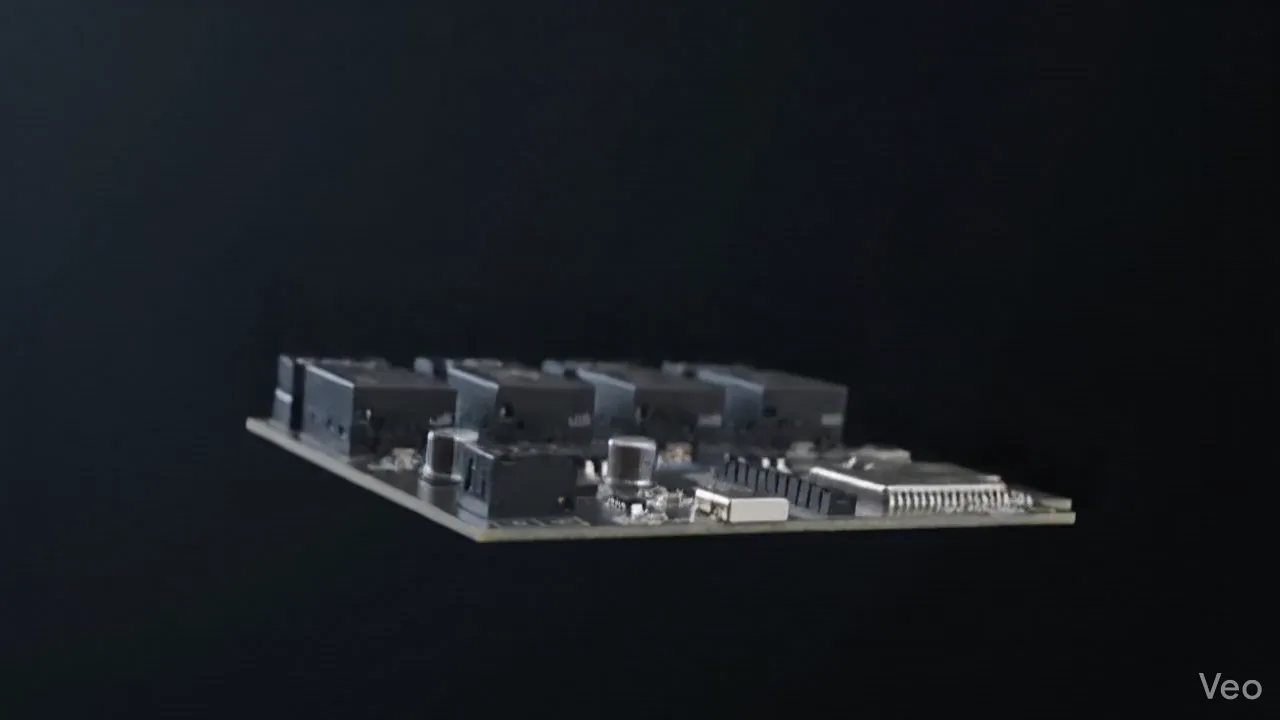
004 / The module
Scroll to explore the board that plugs Roboguard HQ into the connected world.
Watch
Ninety seconds on why the WiFi module replaces GSM for good.
005 / Gallery
A closer look at the board itself.
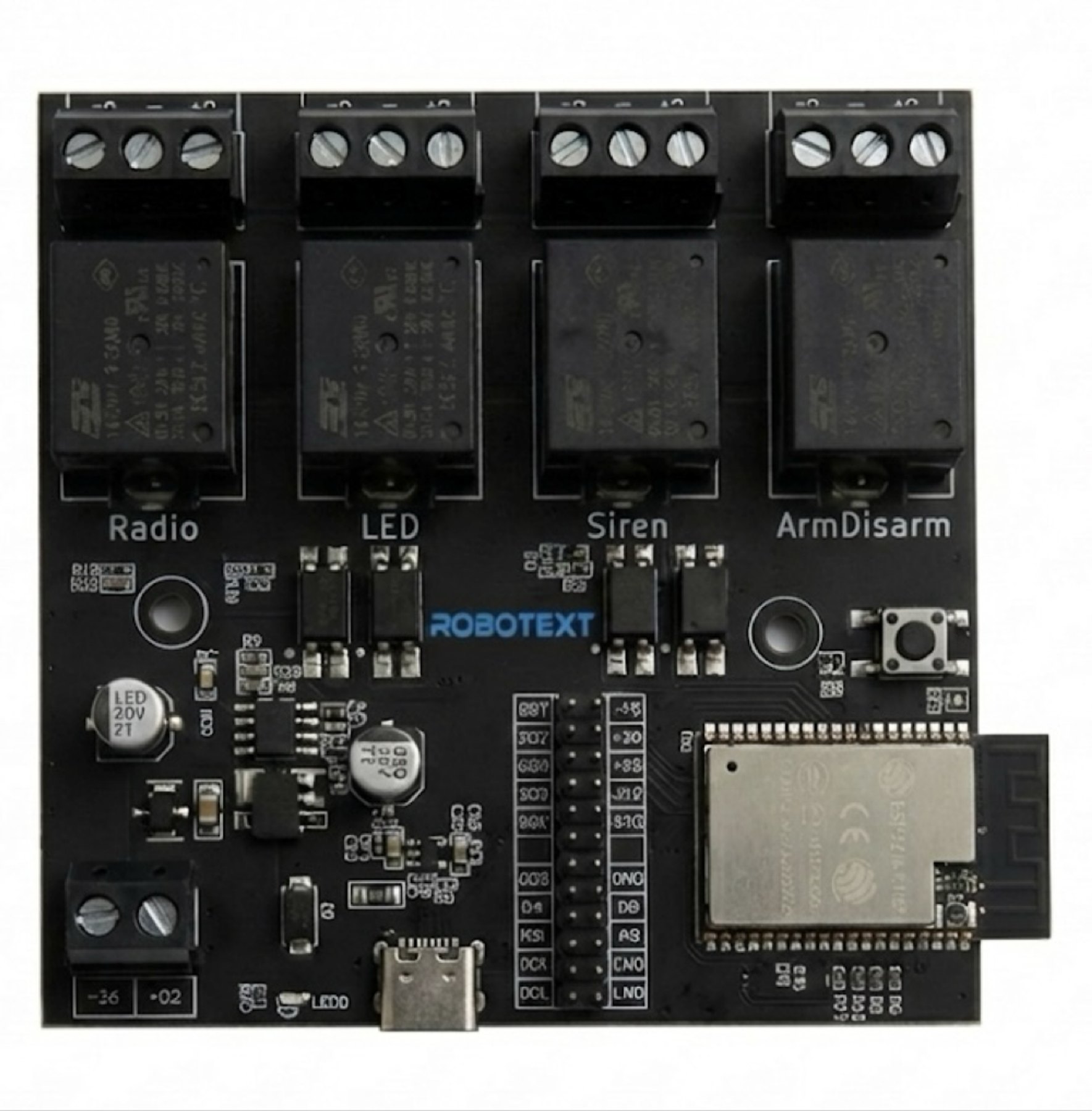 Board detail
Ports
Relay bank
ESP32 module
Terminal blocks
Board detail
Ports
Relay bank
ESP32 module
Terminal blocks
007 / Support
An AI assistant that answers only from the official manual — and cites the page it found the answer on.
Hi! I answer questions using the Robotext WiFi manual only. Ask me anything about Telegram setup, WiFi connection, or wiring — I'll cite the page.
AI-generated from the official manual. Always double-check safety-critical steps (wiring, power) against the PDF.
008 / Questions
No. It connects over your existing WiFi and sends notifications through Telegram. No SIM, no airtime, no monthly fees.
No. It's an independent module built specifically to work with Roboguard HQ. Not manufactured or endorsed by Roboguard.
Four: Siren, Status LED, Arm/Disarm, and Radio Trigger — complete control over your Roboguard HQ.
By USB-C or a 12V supply. It plugs directly into your Roboguard HQ, and a Telecable is included in the box.
Yes. It retains its alarm state through outages, so your protection status is preserved when power returns.
Yes. Anywhere there's WiFi, it works — deployed across 195+ countries with no regional lock-in.
009 / Get in touch
Ready to order, or have a question our assistant couldn't cover? Send us a message.